

Global shortcuts
Pick a pixel and open Formats from anywhere — no app switching. Keep HexDrop in muscle memory.
HexDrop v1.1 is live — See the roadmap
Pick any pixel. Copy the format. Keep moving.
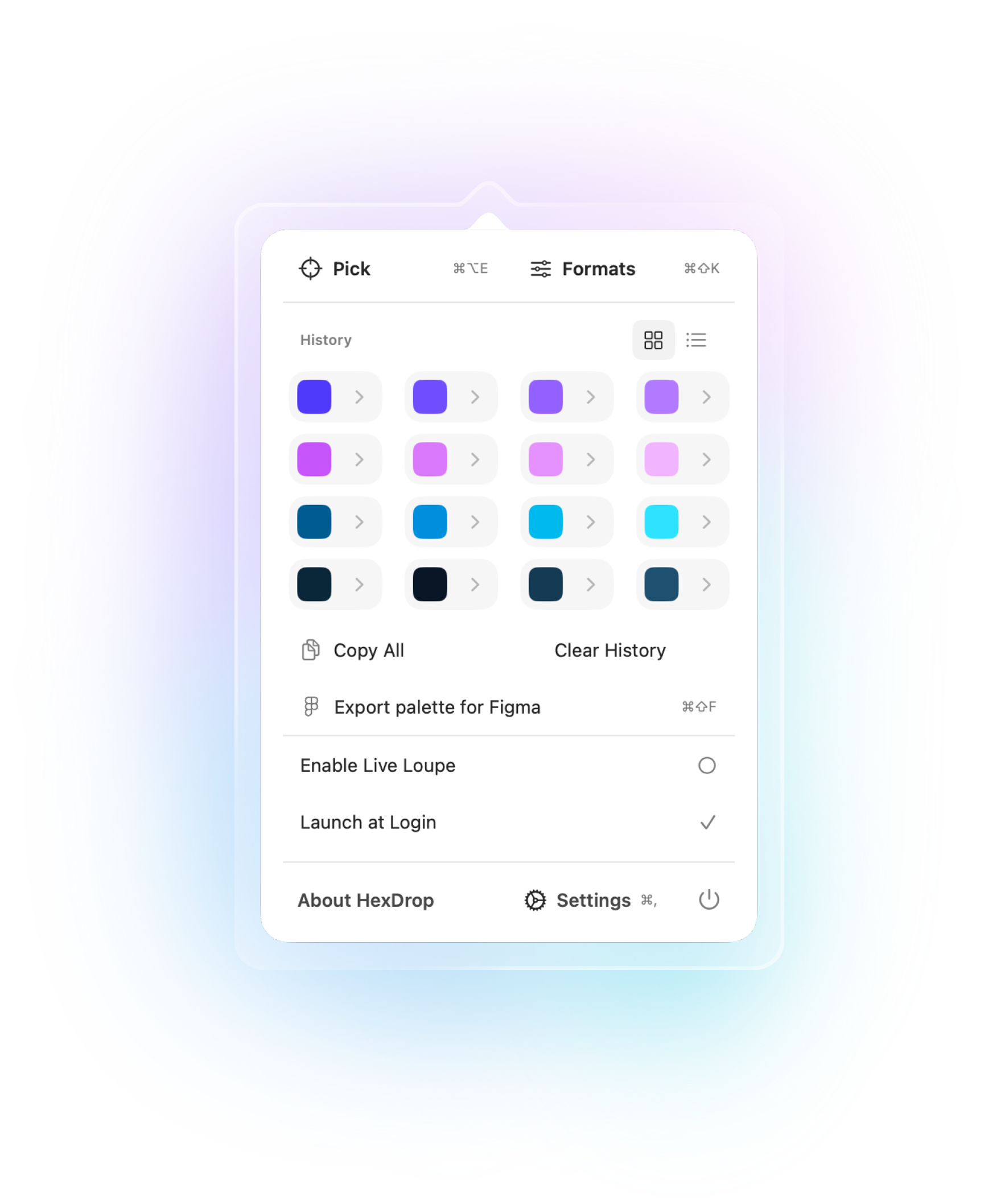
These are the top 6 features. The full walkthrough stays in the User Guide.
Pick a pixel and open Formats from anywhere — no app switching. Keep HexDrop in muscle memory.
Instant HEX, RGB, HSL, CMYK — plus a closest Pantone estimate when you need a print-friendly direction.
Bundle your history into a .figpalette file for plugins that speak that format—one shortcut (⌘⇧F) when the menu is open.
Scan visually in grid mode or read precise strings in list mode. Copy, delete, and reorder without friction.
Control-click to delete, Option to reorder, Enter to copy. Tiny interactions that save time every day.
Picking uses Apple’s built-in color sampler—familiar, precise, and no extra privacy hoops for the basics.
“Closest Pantone” is an approximation. Exact print results depend on calibration, materials, and process.
Headline + proof. Turn this into a dedicated screenshots page later for easy sharing.
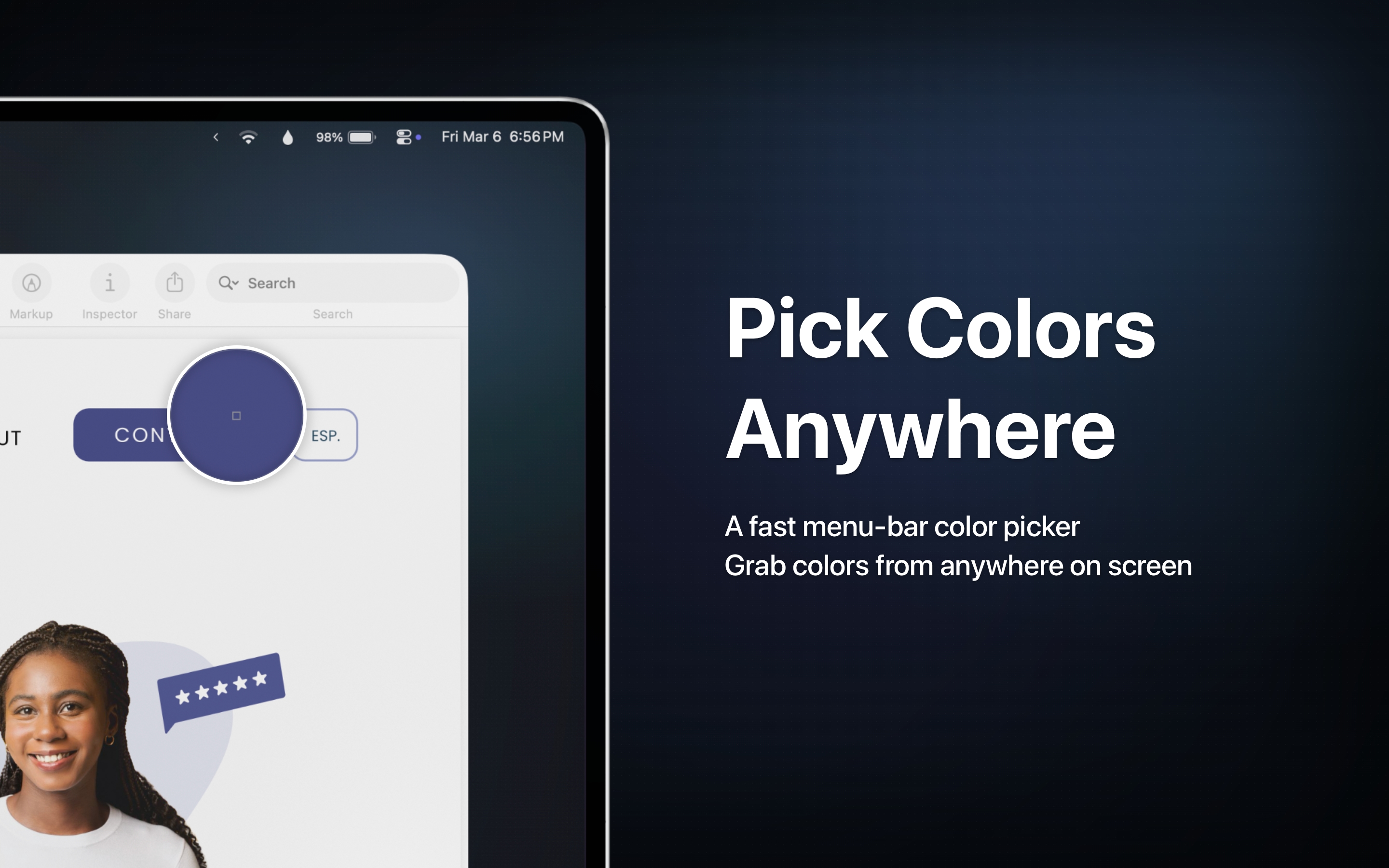
Pick any pixel, copy the format you need, and stay in your flow. Launch price is $7.99$9.99 CAD, one time.
Need a faster walkthrough? Start with the quick guide.